Showing posts with label Tech4Learning. Show all posts

Friday, 8 July 2016

R.I.P Zaption


And it's finally happened......

With the huge number of companies offering free digital tools in the online education space, many of
which offer paid premium versions, it was inevitable that at some point one would fail.

Sadly it is Zaption, the interactive video creation tool, a product that more often than not made the top of many teachers most useful tools lists.
Zaption hasn't failed as such, but been acquired by Workday, a large player in the HR and Corporate training industry. Workday it seems, agrees with educators that Zaption is a great technology and offered the company enought money for them to sell. Rather than share it with the world, Workday has made the decision to shut the stand alone service down so it can incorporate Zaption's features into its own product.

This is certainly a blow for the thousands of teachers that have developed content for Zaption and all the more harsh given that Workday will not continue to support existing Zaption Tours. As of 30 September Zaption will disappear.


What does this mean for those of you with Zaption tours as resources your courses? The short and tough answer is you will lose your work.

Looking forward, there are a couple of great alternatives that are available, Playposit and EdPuzzle being the two leading contenders. The TEEL Team will be comparing these two services over the coming fortnight and will report back on the pros and cons of each. Stay tuned for our take on the best approach for creating interactive video in the post Zaption era!


Tuesday, 31 May 2016

Blurring the Lines of Reality - 2016 Update


I was fortunate to attend Magnify recently, a two day Virtual and Augmented Reality conference hosted as part of Auckland Tech Week. Although focus was directed at the entertainment, media and marketing sectors with speakers like Academy Award winning stunt coordinator Guy Norris from Proxi VR, Ian Taylor from Animation Research, and New York advertising heavyweight Catherine Patterson, responsible for Dell Computers Golf the City AR campaign, I came away with plenty of ideas how this technology can benefit the eduction sector.


Vendors had plenty to show off. Nokia was unveiling its $100,000 Ozo professional VR camera and at the consumer end of the market Samsung's Gear 360 Camera and Headset could well be this Christmas's Hoverboard. To experience being inside a cinematic movie experience courtesy of Proxi VR film technology, where action is taking place all around you rather than in front of you and actors communicate to you as if you were actually in the scene is an unreal experience. 


Immersive technology is seen by those in the know as crossing over into the mass market this year.  There are big clues as to what is becoming possible for us in the education sector. True VR is still out of reach to most institutions but experiences such as the Quake History Demo developed by New Zealand company Sensorium, demonstrate the educational possibilities this technology will offer. 

YouTube, Vimeo and "visual expressionist" kings GoPro now support 360 video (to experience this, watch the example videos at the bottom of the post) and with Samsung investing heavily in consumer products, like it or not, the flood of user generated content is almost upon us. With its applications ranging from advertising, media, tourism, medicine real estate...... and yes education, VR and AR is being touted as a significant new development.


Quake History Demo from Sensorium VR on Vimeo.

Its easy to come away from an event like this and think that there is no way this will happen in education. Think again. It wasn't long ago that the idea of filming your own video resources and posting them online seemed like science fiction. AR and 360 video technology will appear first. Products the Gear 360 put surround video production in the hands of anyone and software like Aurasma assist with AR content and is already being used in schools. Stay tuned for the first AR resources coming to Waiariki Bay of Plenty Polytechnic in the next few months.


Here are three quite different examples of 360 degree video. I particularly like the Chernobyl example as it skilfully incorporates historical footage into the ruins of the former Soviet nuclear power station.

360 Degree Tornado - use the arrow controls to navigate around, or even better download the latest version of the YouTube app and watch on your phone


Primary School Age 360 Solar System Tour


360 Chernobyl Documentary Trailer


...... and as a first day of winter bonus - an amazing video of the soon to be released Omni from GoPro. Click here

Friday, 6 November 2015

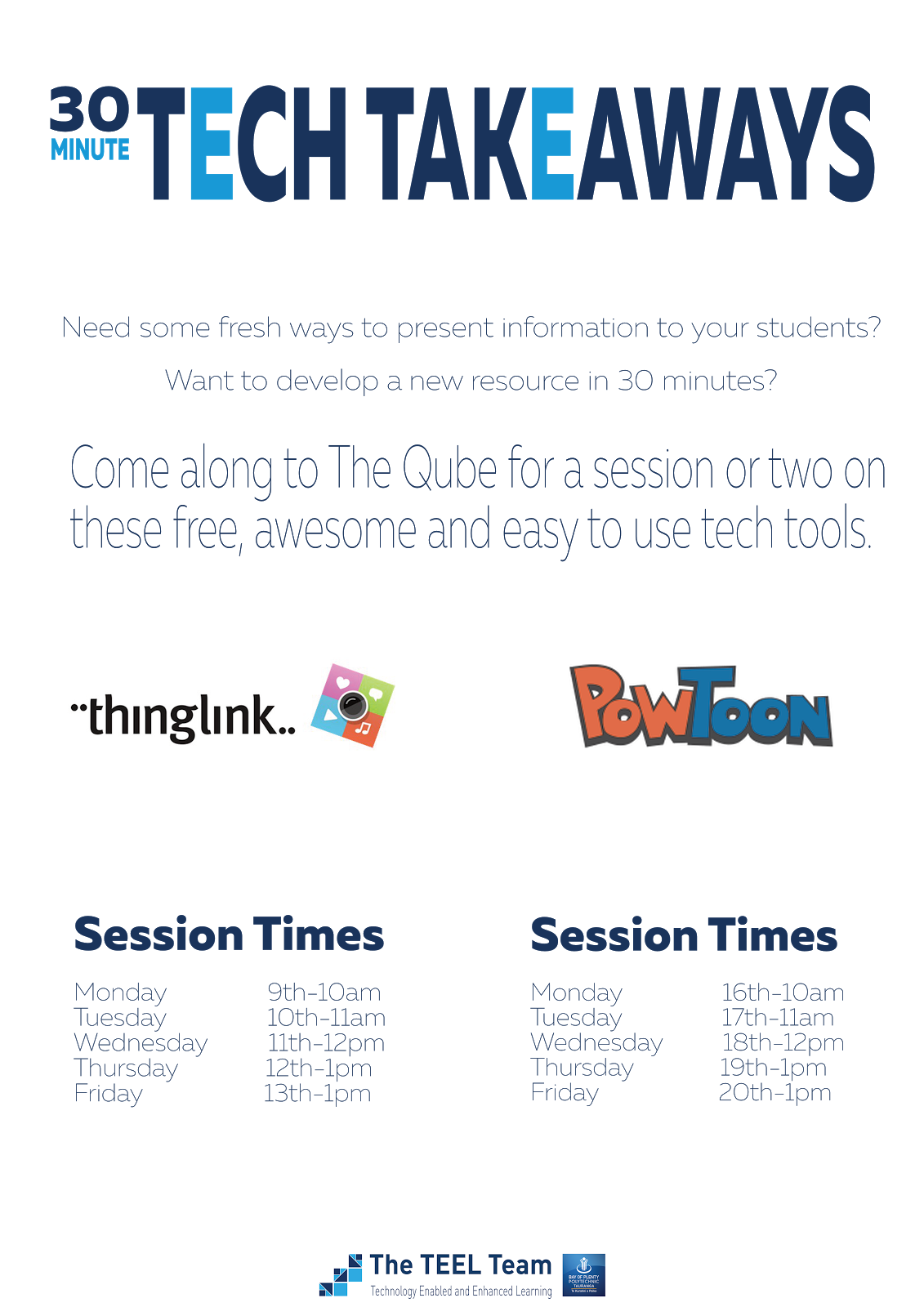
30 Minute Tech Takeaways

The TEEL Team will be running several 30 minute sessions in The Qube over the next two weeks on a couple of cool and easy to use tech tools. First up will be the interactive image generator Thinklink and animated presentation tool Powtoon.

The aim of these sessions is to give you the skills to create a resource you can takeaway with you (virtually speaking) within half an hour.

Check out the info sheet for details. If you can't make the session times listed, come and see us anyway to schedule an alternative time.


Friday, 4 September 2015

Tech4Learning

The first of our Teaching Development Seminars kicked of with a focus on Tech4Learning, presented by Lesley Mochan, Anne-Marie Simon and Dennis Keys.

The theme of all three presentations was the the use video to provide students with a range of resources they could revisit anywhere, anytime, to confirm some of the key learning points from their classes.

Lesley was looking for a resource to support her students learn the propagation process for a new type of rootstock. She found a programme on eTV, which was just what she needed. However, she didn't want to simply provide a video for them to watch but a resource that would engage them in the learning by adding some interaction. So she ran the video through Zaption, added some key information and some questions for students to answer to confirm their understanding. Click the Zaption image below to see what Lesley produced for her students. 


Anne-Marie wanted to produce some learning resources to support students to learn numerous techniques. She wanted to provide a range of resource options with written step-by-step instructions, physical sample and QR code, linking to video. By adding QR codes to the machines students use on campus, they are able to scan the QR code on the machine to see how to do a range of things such as threading or setting up the machine. Students can review the video as often as they need until they have mastered the technique. Check out this example of what Anne-Marie has developed for her students by clicking the image below.

The Carpentry Team decided to produce videos to provide learning resources that would allow students to revisit the operation and health and safety practices when using the range of machinery in the Carpentry Programme. When demonstrating practical skills in the workshop students can miss some of these essential key points however, these videos would allow students to watch them as often as they needed. By adding QR codes to the machinery, students can scan the QR code with their mobile devices and watch the videos in the workshop if they are uncertain of any aspect of the operating procedures. With the help of Mike Scott, they have also produced a number of ‘60 seconds of safety’ videos. Click the image below for an example of what the Carpentry Team have produced.